Textbook Question
Use a calculator to approximate each real number value. (Be sure the calculator is in radian mode.)
y = cot⁻¹ (―0.92170128)
718
views

 Lial 12th EditionCh. 6 - Inverse Circular Functions and Trigonometric EquationsProblem 59
 Verified step by step guidance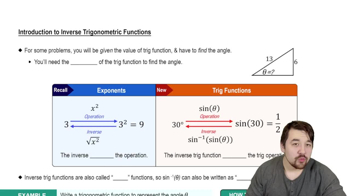
 4:28
4:28
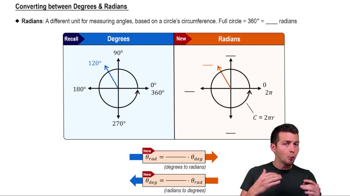 5:04
5:04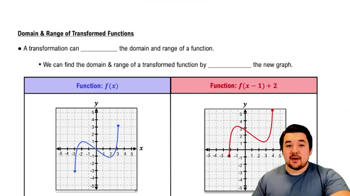 4:22
4:22Use a calculator to approximate each real number value. (Be sure the calculator is in radian mode.)
y = cot⁻¹ (―0.92170128)
Solve each equation for x.
4/3 arctan x/2 = π
Use a calculator to approximate each real number value. (Be sure the calculator is in radian mode.)
y = cos⁻¹ (―0.32647891)
Use a calculator to approximate each real number value. (Be sure the calculator is in radian mode.)
y = arctan 1.1111111
Solve each equation for x.
arccos x + arctan 1 = 11π/12
Use a calculator to approximate each value in decimal degrees.
θ = tan⁻¹ (-7.7828641)